Ubuntu inside windows#
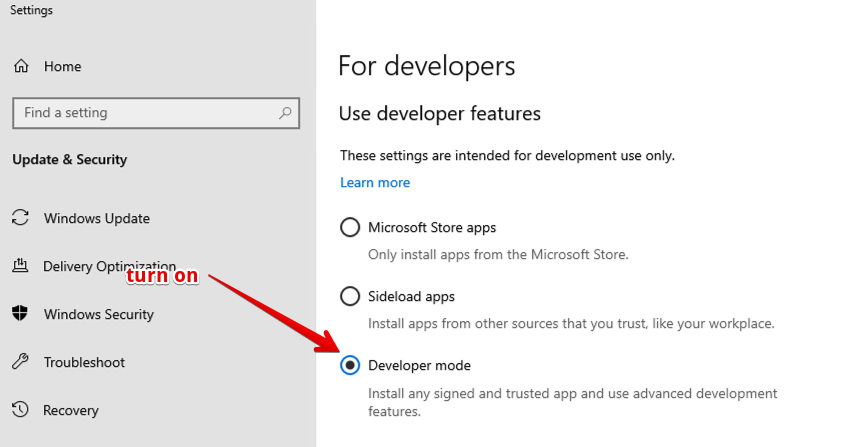
If you want to play with features aimed at developers you gotta enable developer mode first. To do this on Windows go to Settings > Update & Security > For Developers > Developer Mode.
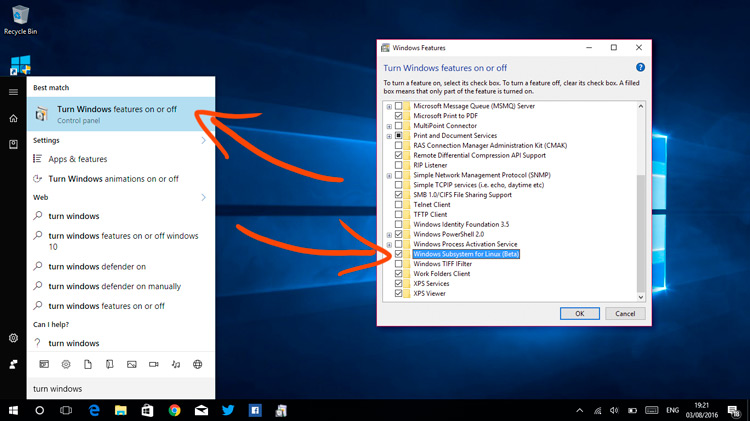
Enable Windows Subsystem for Linux
Reboot!
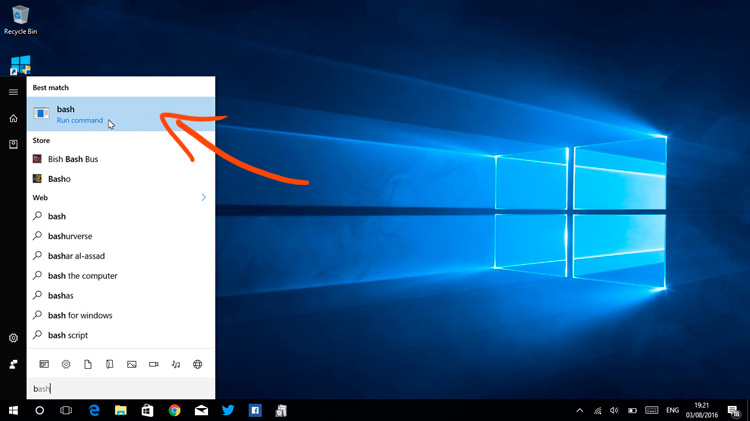
Open ‘Bash’ When you’re back, open the Start Menu and search for ‘Bash’. Click on the icon that appears.
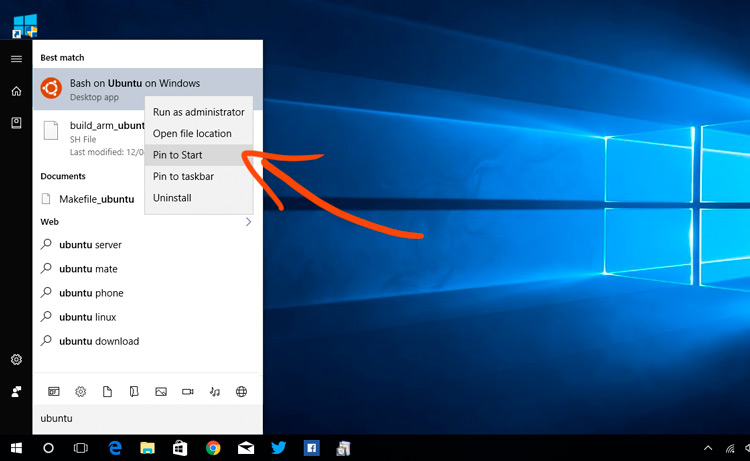
Open ‘Ubuntu’
References: